Core Concepts
Learn about the core concepts behind Sparrow Home.
Home device
Changing theme mode in Sparrow Home application.
Enabling home alarm
Setting up holiday mode in Sparrow Home
Device
Integration
Device is one of the core domain entities in Sparrow Home and represents any physical device connected to the smart home ecosystem. Each device shares a common set of properties, such as:
- unique identifier,
- device name,
- device type,
- current status/state,
- capabilities defining supported actions and features.
This approach allows Sparrow Home to support multiple device categories — such as smart plugs, lights, sensors, alarms, or switches — while still keeping the UI and interaction model consistent across the application.
The device layer is tightly integrated with the local Zigbee2MQTT instance. When a new device is added to the Zigbee network, it is automatically discovered and registered in Sparrow Home. The application listens for device events and updates the device list accordingly, ensuring that users always have an up-to-date view of their smart home ecosystem. One of the key parts of the integration layer is automatic interface recognition. Based on the payloads and exposed capabilities received from Zigbee2MQTT, the application can dynamically determine which controls and UI interfaces should be rendered for a device.
For example, a smart plug may automatically expose power controls and energy monitoring widgets, while a sensor device may expose temperature or humidity panels.
Device Types
Currently, there are four device types:
| Device Type | What it does |
|---|---|
| Standard Device | A general-purpose device that can represent various smart home gadgets, such as smart plugs, lights, or switches. |
| Temperature Sensor | Measures ambient temperature and reports changes over time. |
| Door Sensor | Detects whether a door or window is open or closed. |
| Siren | Emits a loud alarm sound to warn about security events. |
| Remote | Lets users trigger predefined actions, such as arming or disarming the alarm. (Planned) |
Available devices
The Sparrow Home system currently supports Zigbee2MQTT devices. However, in rare cases, some devices may not be fully compatible with the system due to differences in how they expose capabilities or handle specific commands. In such situations, users may need to wait for future updates that improve device compatibility and integration support.
Please check for supported devices in the Zigbee2MQTT documentation.
Theme mode
In the Sparrow Home application, you can set up theme mode. You can choose to set a dark or light theme. By default, the application will use the system's setting.
Setting up theme mode
To change the theme mode, go to Settings and select the desired theme mode:
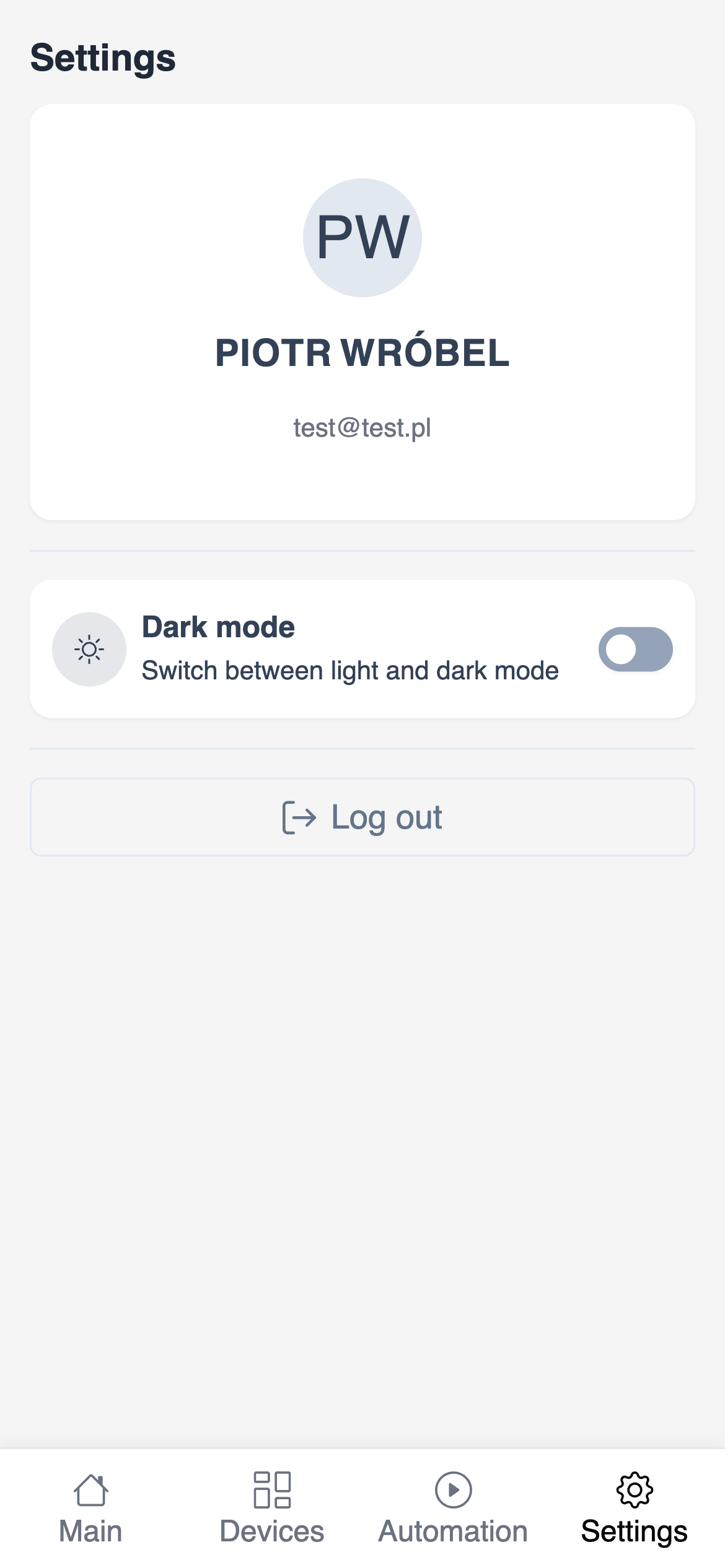
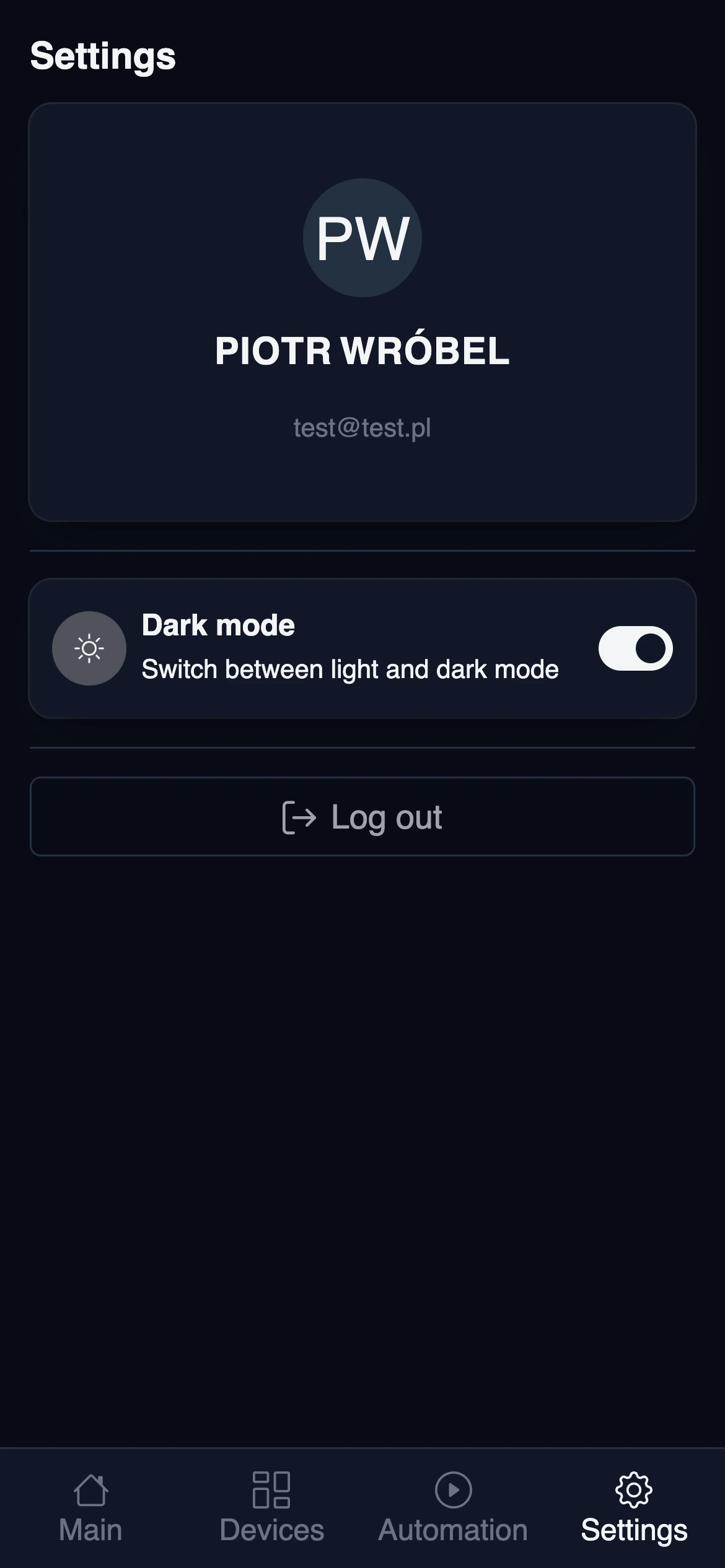
The application will remember your preference and use it from now on.
Alarm
This is a beta version that works only with ENKI LEXMAN devices. Full support is coming soon.
In order to enable the alarm, you need to add at least one open-door sensor to your network and siren device. This will enable the alarm on dashboard.
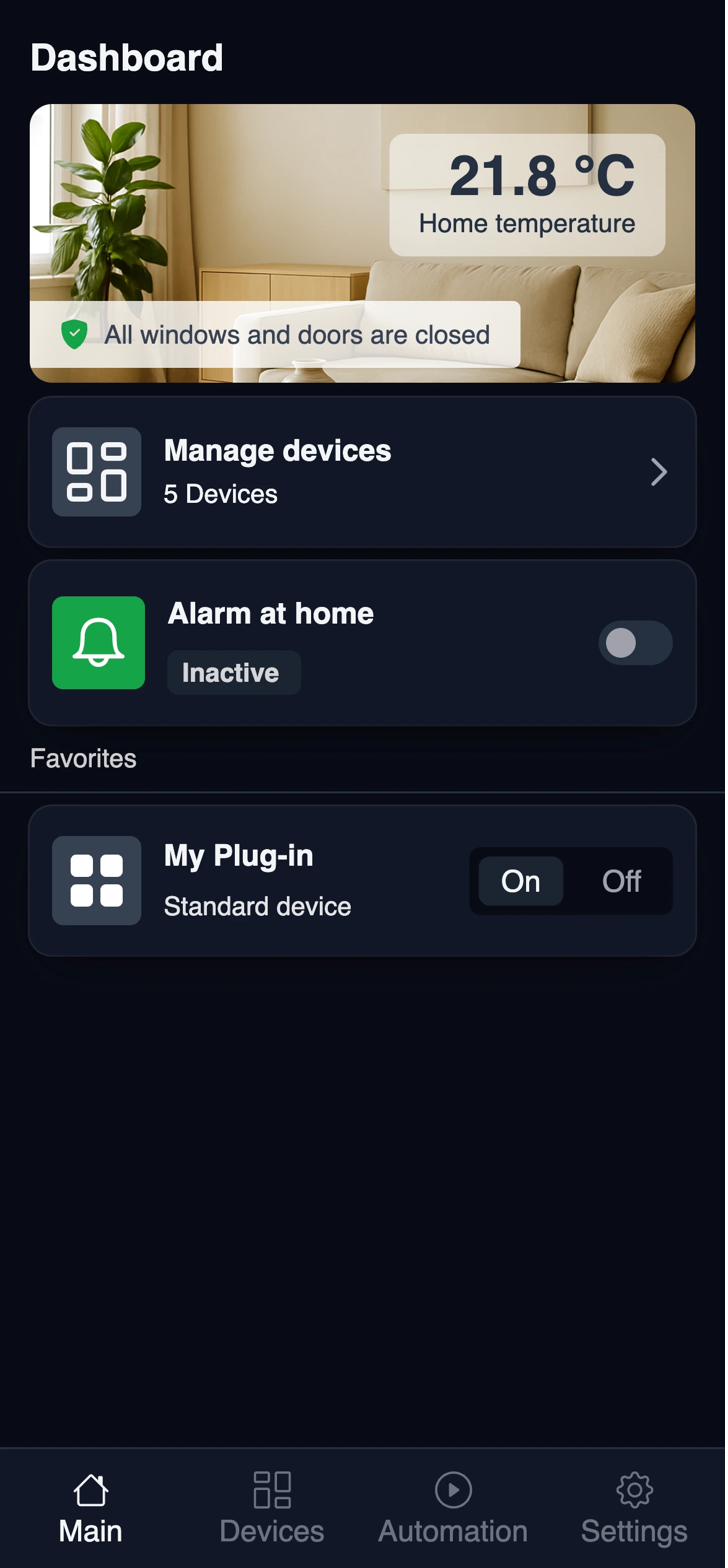
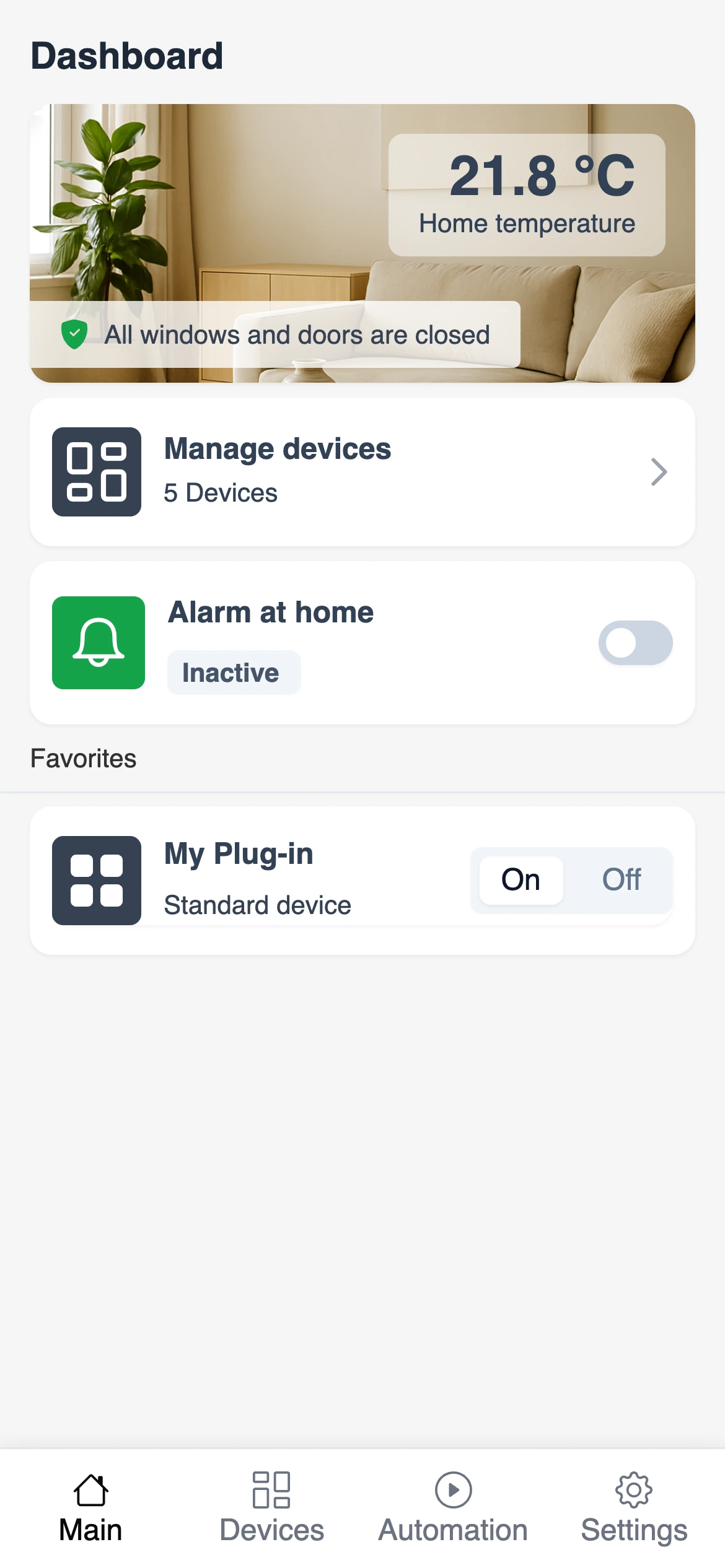
Turning on the alarm
The system will automatically turn on the alarm when any of the sensors detects an open door. This, however, may not be the desired behavior, especially on summer, warm days, when you wish to keep windows open overnight. When you are activating an alarm, it will automatically ignore already opened windows. So you can safely leave the windows open for a few hours and even close it and open again. It will not trigger the alarm.
Supported device
Currently, only ENKI LEXMAN device is supported.:
Holiday Mode (Planned)
More to come! Please check the Roadmap for updates on this topic.