Automation
Automate your home with Sparrow Home. Check out these recipes to learn how to create automations and make the most out of your smart home.
Adding a scheduled task to Sparrow Home
Create and manage automation rules in Sparrow Home
Add Scheduled Task
How to add a scheduled task
Scheduled tasks are available in the automation tab. Click on the New Schedule button to add a new task.
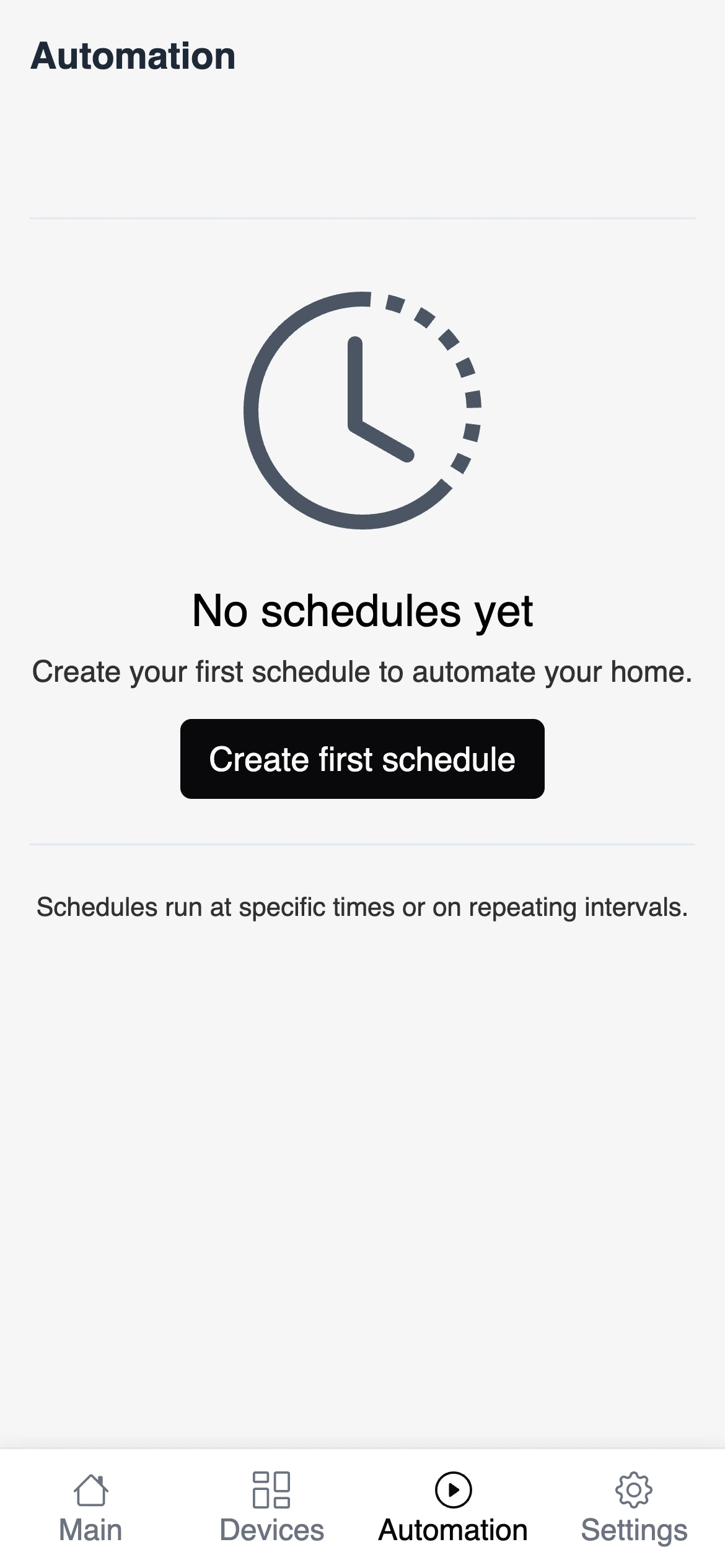
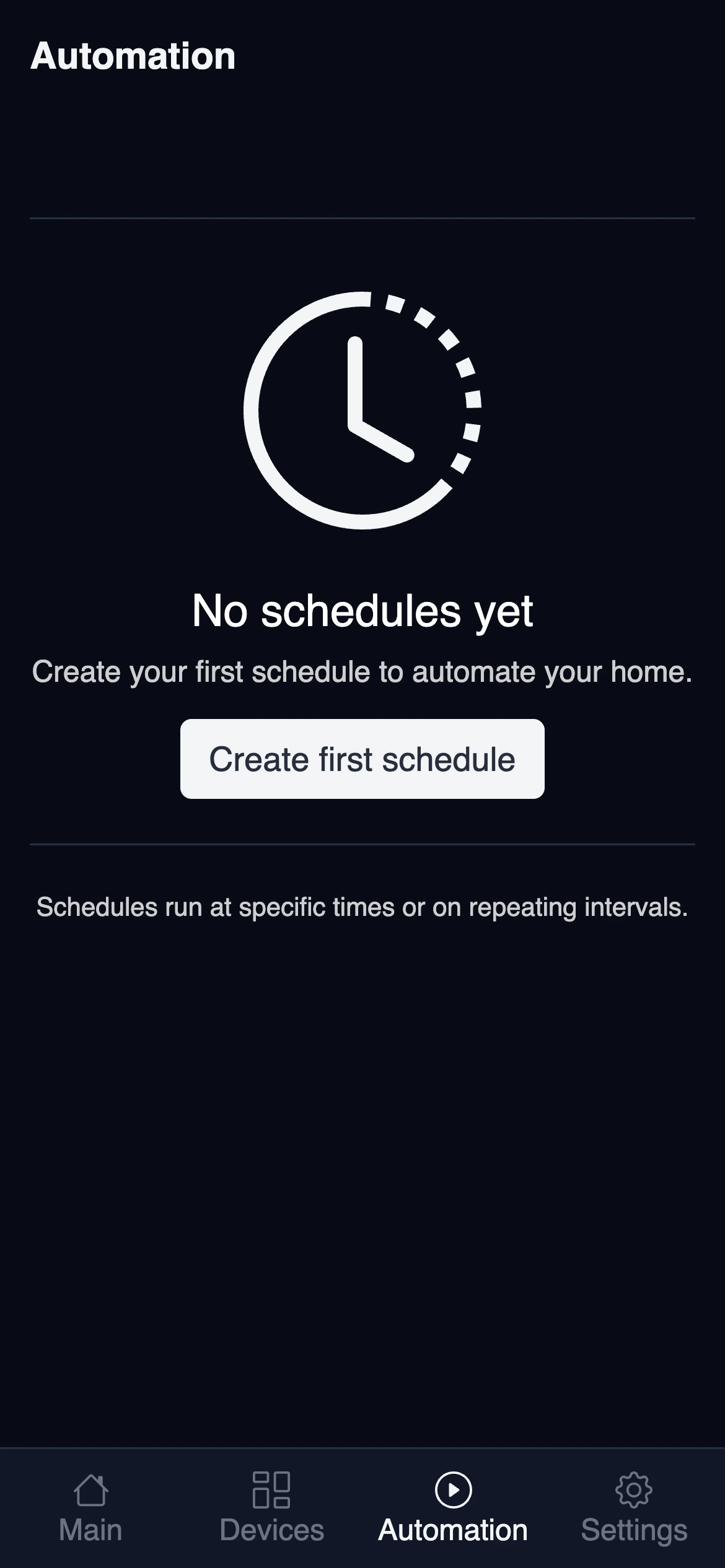
Each task can have multiple actions assigned to it. An action is a scheduled device command that can be triggered both on specific time and weekdays:
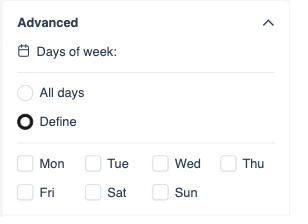
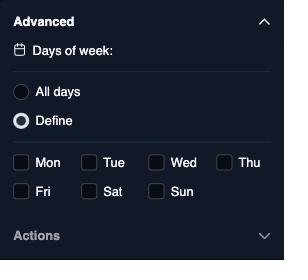
The above settings can be assigned both to the task and to action.
The Sparrow Home app will automatically create a new task for each action once it is activated from the list. To provide maximum flexibility for scheduling, it is allowed to assign the same device to multiple tasks. This can lead to unexpected results, so build your automation carefully.
Custom action schedule
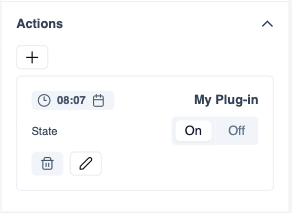
If you set the task to repeat every day, and action to only run on Sunday, the action will only run on Sunday overwriting the task setting. If the action has a custom schedule, a calendar icon will appear next to the time:
Rules (Planned)
More to come! Please check the Roadmap for updates on this topic.